Side project: Duck.ai Tools
A small side project I worked on this week: a set of tools to enhance data portability from Duck.ai, the private AI chat feature of DuckDuckGo.
If you are just looking for the tools, scroll down to the #Source Code.
Duck.ai is a private chat feature of DuckDuckGo that lets you chat with various AI models without sharing identifiable information like IP address, account metadata, or browser fingerprinting. Conversations are anonymized and your chat history stays local.
I’ve been recently using Duck.ai for most of my casual research, chats, and searches. It’s simple, with a clean UI, and the subscription limits are generous. I haven’t hit any yet, and I’ve been using Duck.ai a lot.
The biggest downside is that Duck.ai lacks an easy way to export and archive conversations, and the end-to-end encrypted sync option is exclusive to the DuckDuckGo web browser. While you can manually select and export chats, the resulting text files aren’t user-friendly.
A quick check revealed that the Duck.ai web application uses an IndexedDB database, so exporting all conversations is straightforward. A few minutes in the console and I had a working JavaScript snippet. At this point I could either create a browser extension or a snippet. While it’s harder for non-technical users to use a snippet, it’s much easier to distribute for this size of code.
Next was reverse-engineering the schema. For that, I used OpenCode (currently my go-to coding agent harness) and it inferred two JSON Schema files, one for the export and one for the chats. Some parts of the latter are guesswork, but it’s sufficient for this use case.
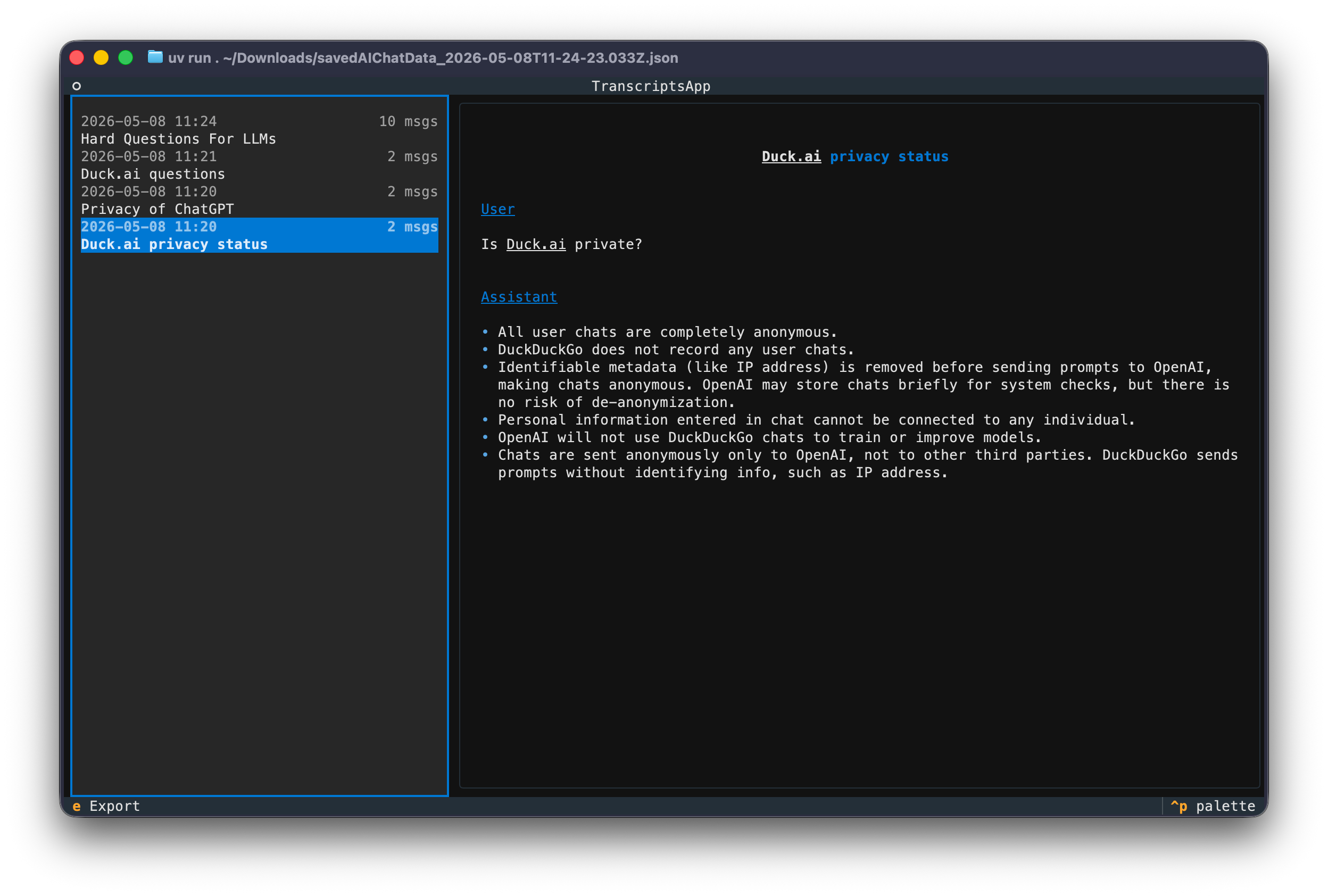
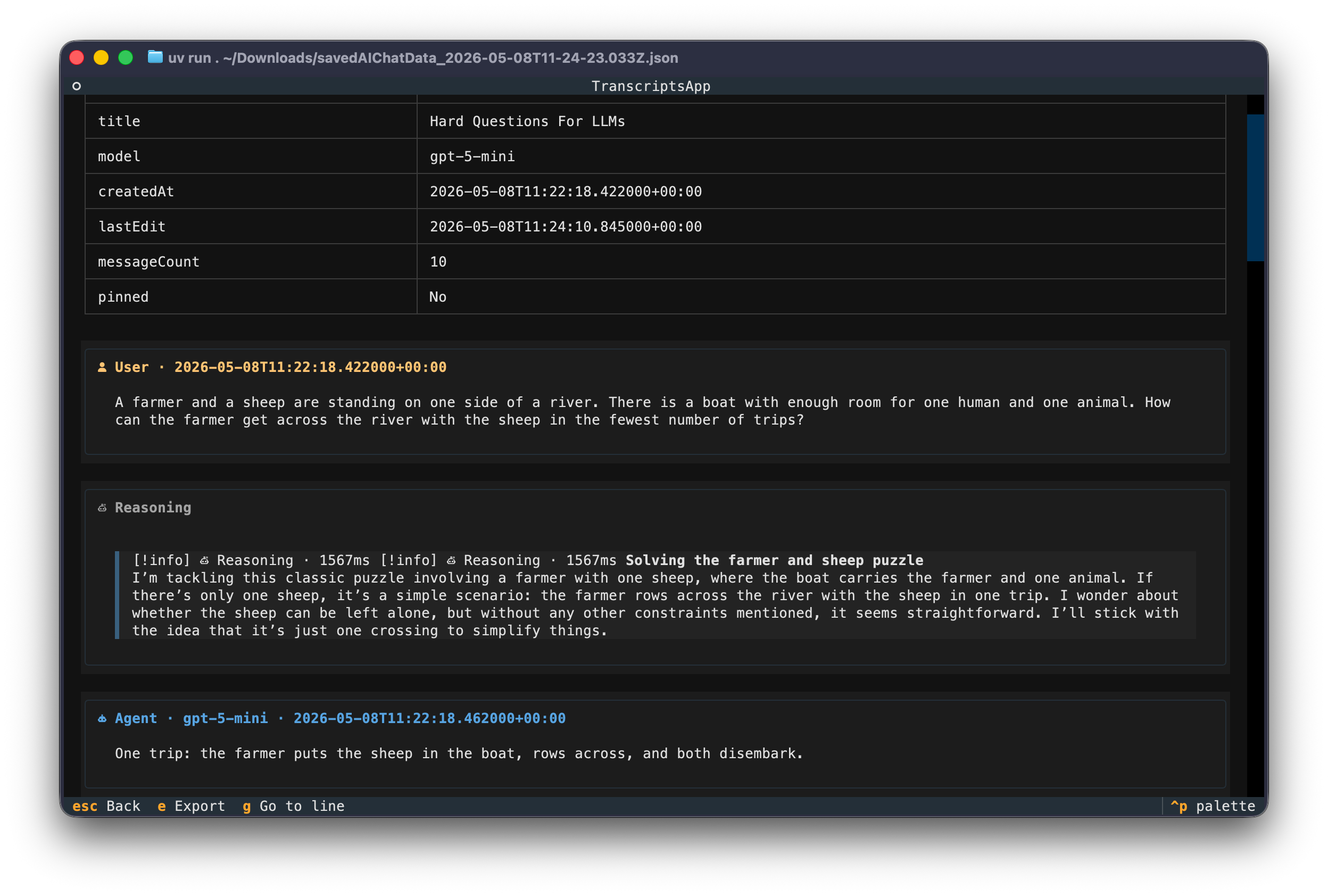
The last step was building something to browse the exported chats, preview them, and convert them to something friendlier to read offline. Again, I used OpenCode to grill me and build a PRD, a detailed plan with specific assumptions and requirements, and a list of tasks. After a few review iterations and small corrections, I let OpenCode build it while I got back to reading Starsight by Brandon Sanderson.
Screenshots
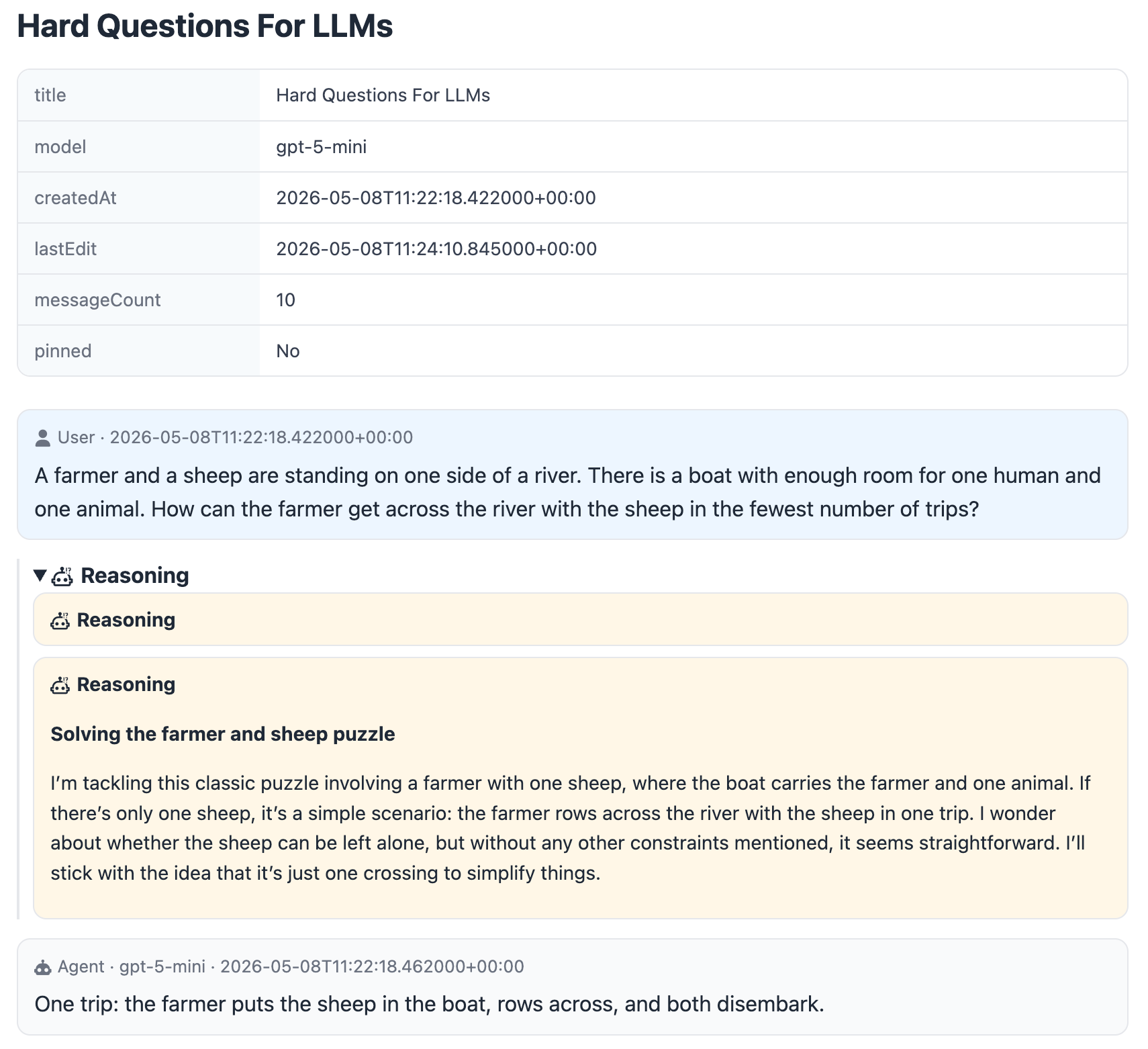
HTML Export
TUI
Source Code
The results are available under the MIT license on GitHub: jsynowiec/duckai-tools. The TUI can be sluggish with larger chats (100KB+) on my M1 MacBook Air, but it’s functional, and I’m pleased with the results. It all took less than 40 minutes of total work.
I plan to add more tools and functionality to this repo and already have a few ideas.